


Automate Your Store's Routine Work with Flow
Every order sets off the same chores: tag it, tell the team, book the courier, follow up. Flow does them for you, the moment something happens, with ready-made workflows for cash-on-delivery stores.
- Ready-made COD workflows
- No code
- Run history
- Built into Eekaam
Busywork
The same clicks, on every order, every day.
Manual tagging
VIP customers, high-value orders, repeat refusers: someone has to spot them and tag them by hand.
Courier booking one by one
Confirmed orders wait for someone to book them, and late bookings mean late deliveries.
The team finds out late
A big order or a refused parcel should reach the right person now, not at the end of the day.
Refused orders linger
Refused orders sit open, with stock stuck, until someone cleans them up.
How Eekaam helps
How Flow works.
Pick what starts the workflow, check what you care about, and choose what happens.
Start on order events
When an order comes in, is paid, is confirmed on WhatsApp, is delivered or is refused.
Check conditions
Only act on the orders that matter, for example above a certain value or from a certain city.
Tag orders and customers
Mark VIPs, repeat buyers or risky orders automatically.
Book the courier
Send confirmed orders to your courier without waiting for someone to click.
Notify your team, or cancel and restock
Alert the right person, cancel refused orders and put their stock back, or send an email.
Templates and run history
Start from ready-made workflows for COD stores, and see every time a workflow ran.
How it works
Your first workflow in four steps.
- 1
Install Flow
Add Flow from Apps in your Eekaam dashboard.
- 2
Pick a template
Start from a ready-made workflow for cash-on-delivery stores, or build your own.
- 3
Adjust the rules
Choose the trigger, the conditions and the actions.
- 4
Turn it on
Check the run history to see each time it acts.
Real stores, live today
COD stores on Eekaam.
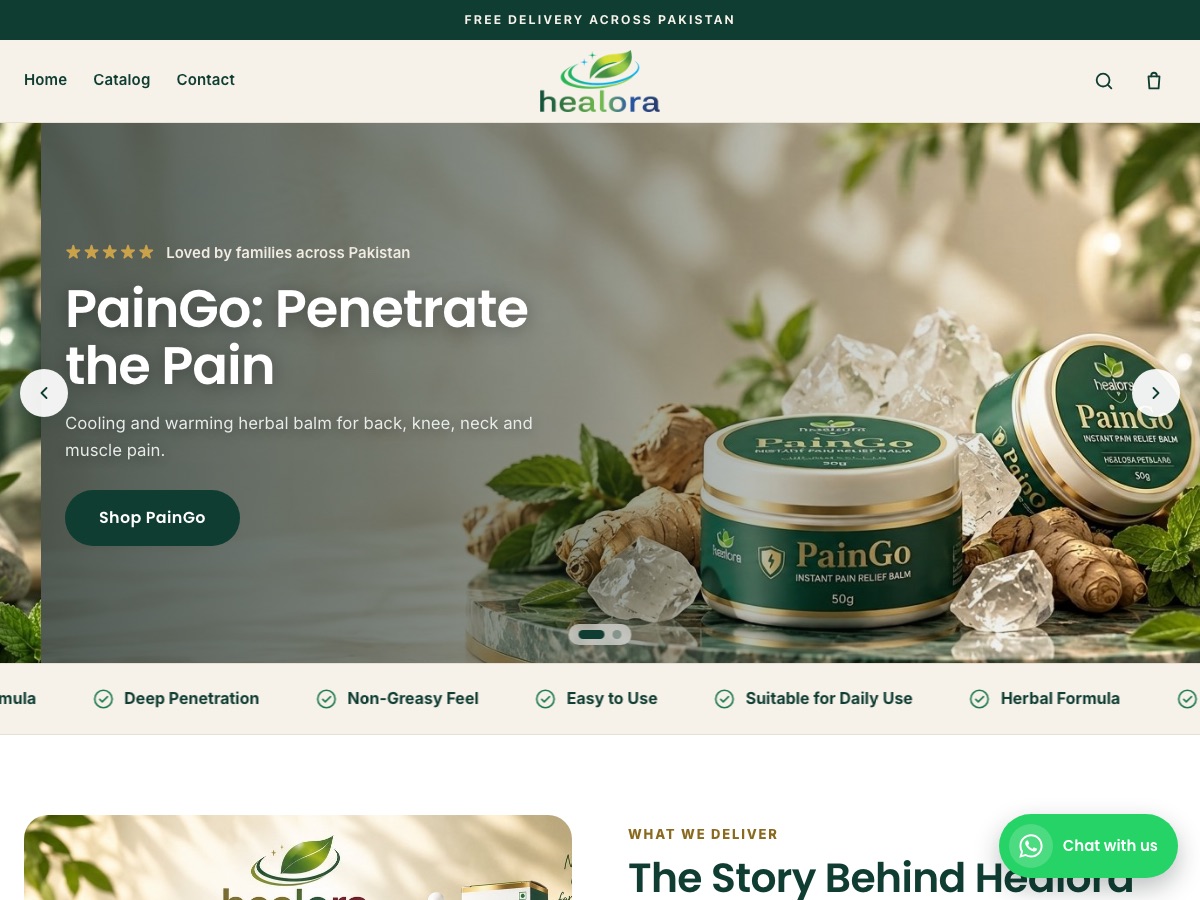
Healora
Health & wellness
Herbal pain-relief balm and oil plus hair and skin care, with product landing pages and COD checkout.
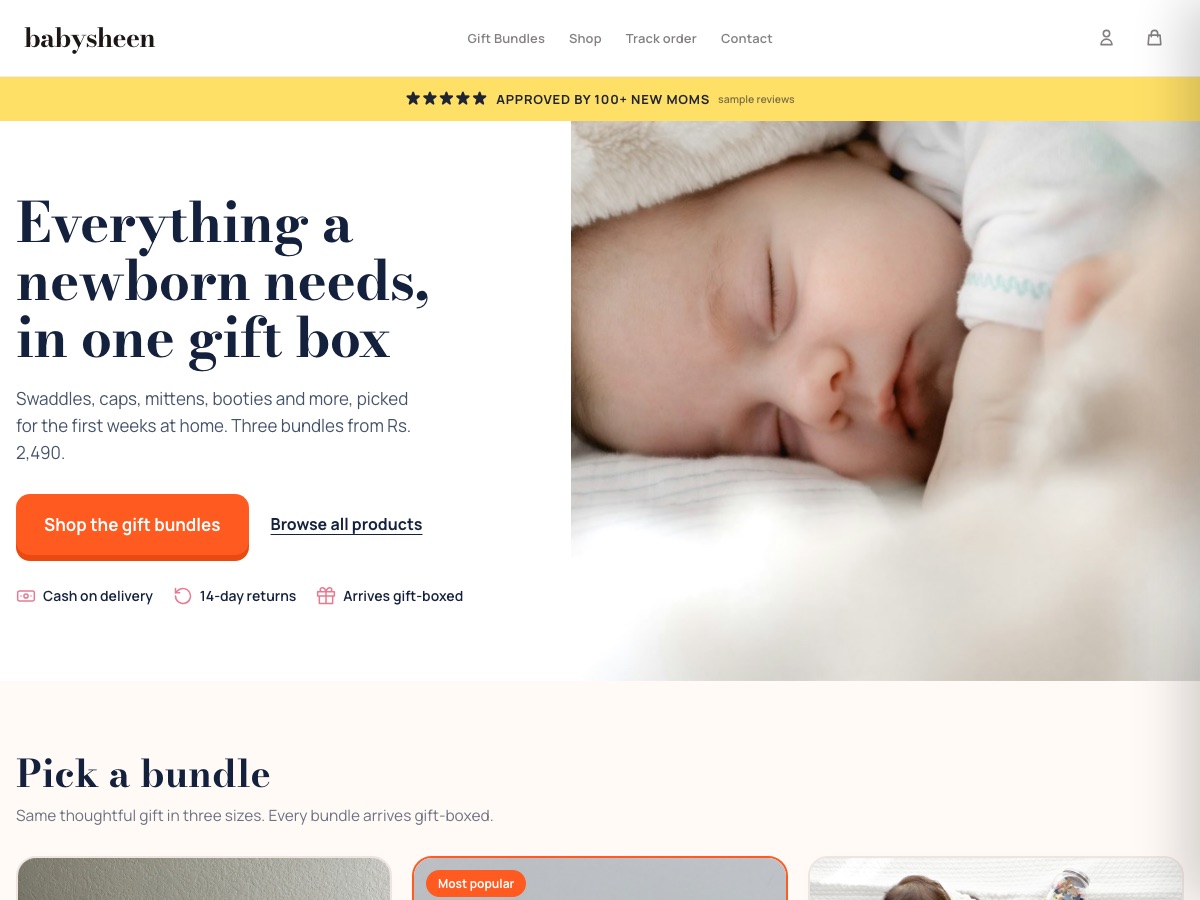
BabySheen
Baby & newborn gift boxes
Newborn gift-box bundles in three sizes, with cash on delivery and an email welcome offer.
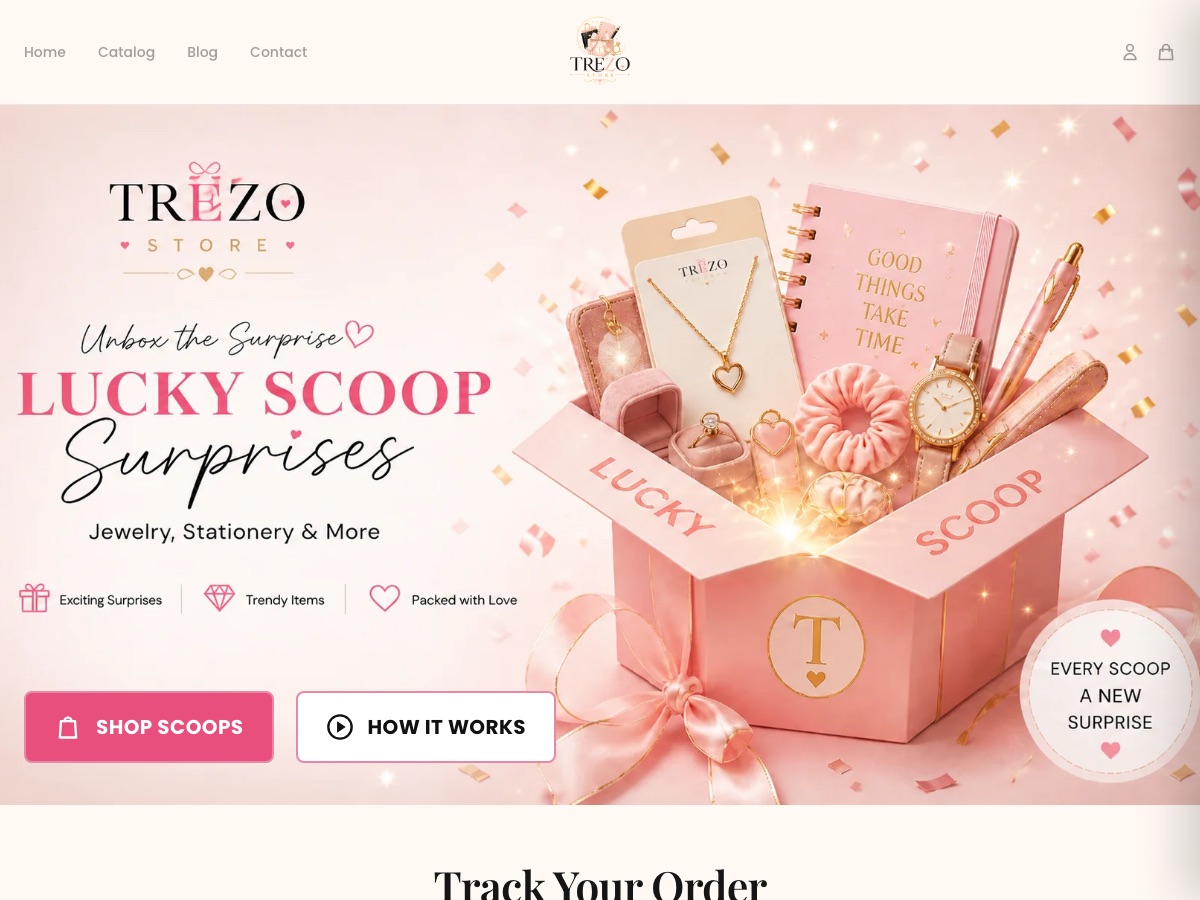
Trezo Store
Jewellery & stationery surprise boxes
Mystery "scoop" boxes of jewellery and stationery, with order tracking for shoppers.
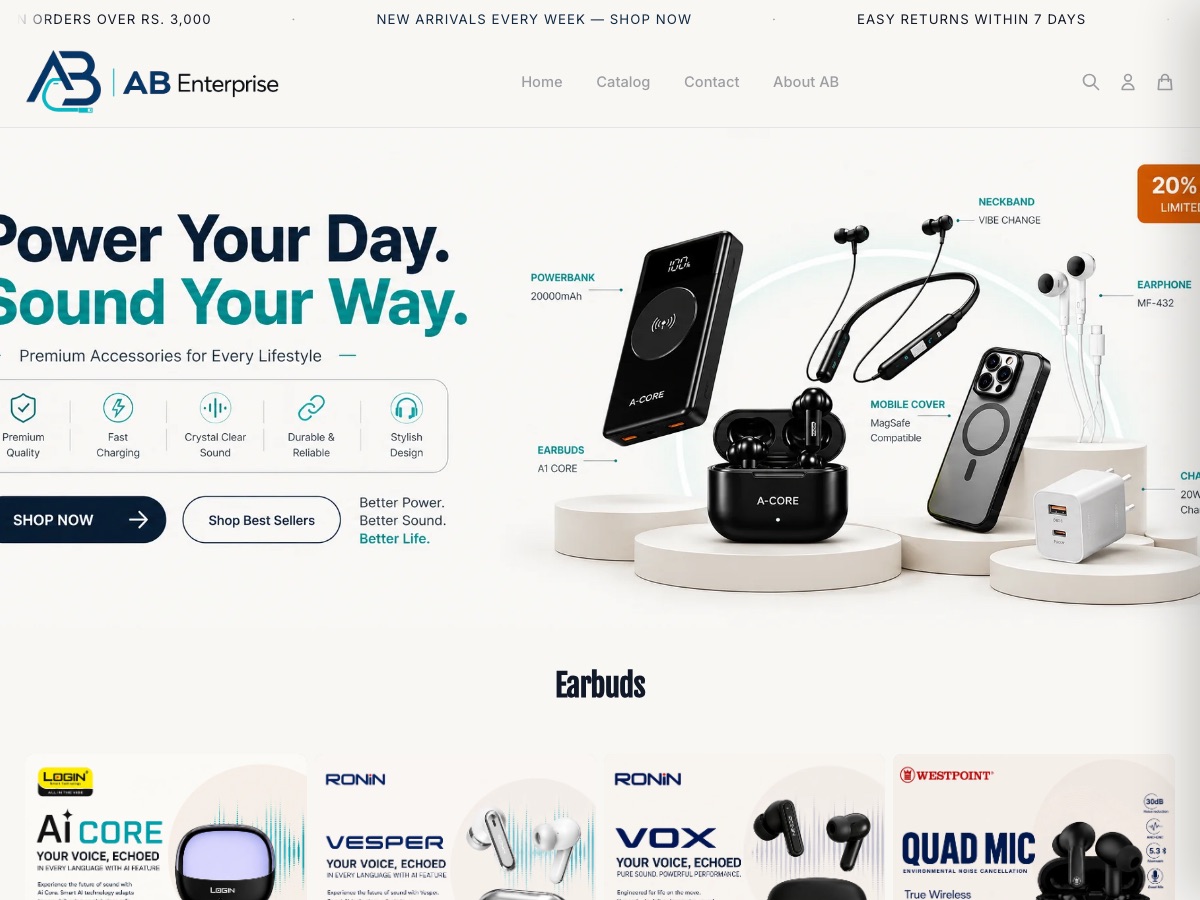
AB Enterprise
Mobile accessories & audio
Earbuds, power banks, chargers and phone accessories across a large multi-brand catalogue.
Honest answers
Questions about Flow.
Do I need to code?
No. Workflows are built step by step from triggers, conditions and actions.
Which courier can Flow book?
Courier booking works with BlueEx today, through the Courier integration app.
Let the store run its own chores.
Start a 14-day free trial and add Flow from Apps.
FAQ