


[ Eekaam / Feature ]
eekaam.com/print-on-demand-pakistan
Start a print-on-demand store in Pakistan
Upload your designs once and sell them on shirts, hoodies and mugs. Shoppers pick a design on the product page and see it on the product. Every order arrives with the design and its print file, ready for your printer.
- Design picker
- Front, back & sleeves
- Print file on each order
- Your own printer
[ 01 / In short ]
Print on demand on Eekaam in short
- 01Eekaam's Print on demand app adds a design picker to your product pages. You upload the designs; shoppers choose.
- 02A design can go on the front, the back, or either sleeve, placed on the product's own photos so shoppers see what they'll get.
- 03Each order carries the design's name and its print file, so your printer knows exactly what to print.
- 04Eekaam doesn't print or ship. You work with your own printer and keep the margin.
By Muhammad Hammad Sohail, Founder & CEO of Eekaam / Updated
[ 02 / The problem ]
Custom printing is hard to sell online.
A product for every design
Listing every design on every shirt colour separately turns ten designs into hundreds of products.
Designs sent on WhatsApp
Customers pick a design in a chat, and someone has to match the right file to the right order.
Shoppers can't picture it
Without seeing the design on the shirt, shoppers hesitate or order the wrong one.
Wrong prints, wasted stock
When the print file isn't on the order, the printer guesses, and mistakes cost a blank and a delivery.
[ 03 / How Eekaam helps ]
What the Print on demand app does.
A design picker on the product page
Shoppers choose from your designs, and the choice goes into the cart with the product.
Front, back and sleeves
Turn on each place a product prints on and position the print area on the product photo.
See it on the product
The design is shown on the product's photo, including the colour the shopper picked.
One product, many designs
Offer every design on a product, or only the ones you choose for it.
Print file on every order
Orders keep the design's name and print file, even if you later delete the design.
COD and online payments
Sell printed products with cash on delivery, JazzCash, Easypaisa or cards, like the rest of your store.
[ 04 / How it works ]
Set it up in four steps.
- 01
Install Print on demand
Add it from Apps in your dashboard.
- 02
Upload your designs
Add your artwork files and name each design.
- 03
Choose printable products
Pick the shirts, hoodies or mugs, turn on where each prints and place the print area.
- 04
Print and ship orders
Download the print file from each order and send it to your printer.
[ 05 / Real stores, live today ]
Fashion stores on Eekaam.

Veloura
Fashion & modest wear
Abayas and modest fashion with PKR pricing, sale and sold-out states, and a brand story.
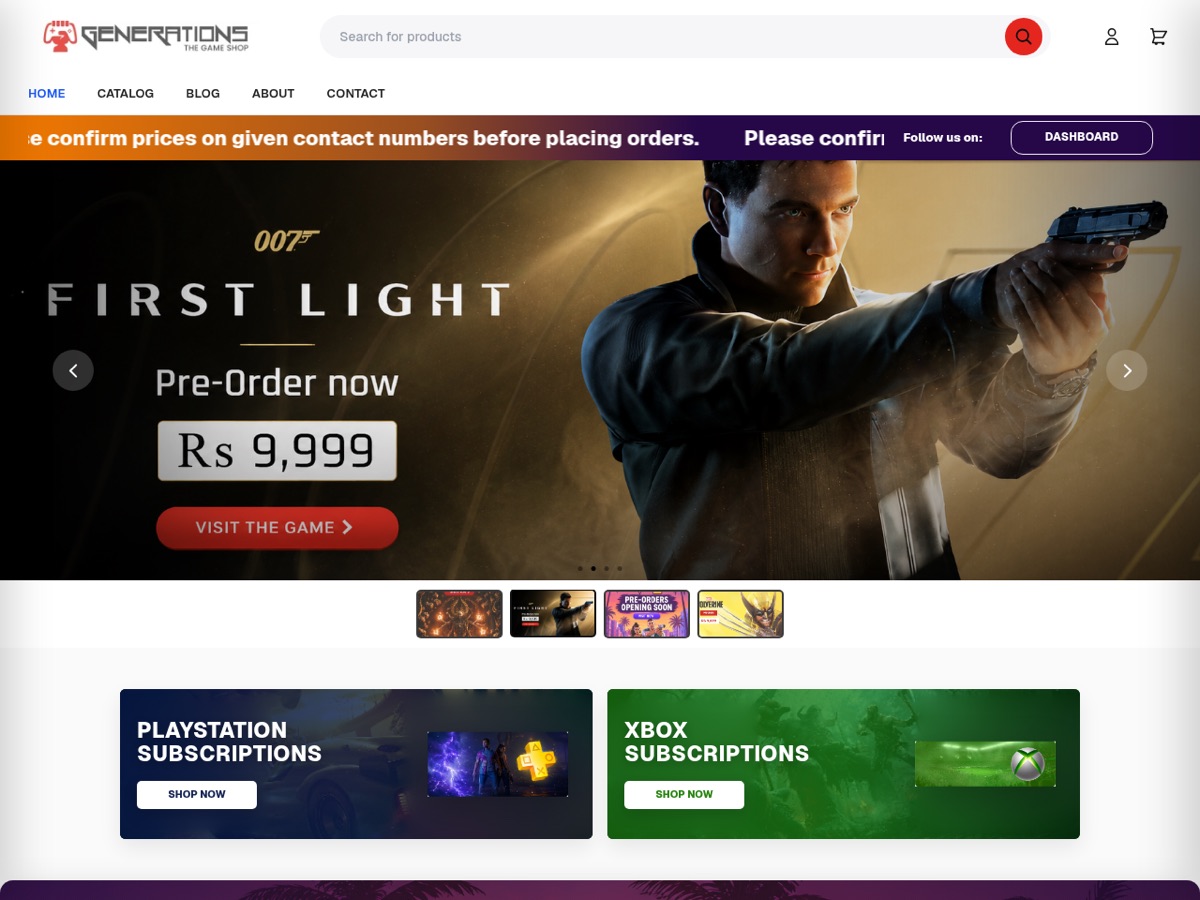
Generations
Fashion & retail
Established fashion retail brand presence running on Eekaam.
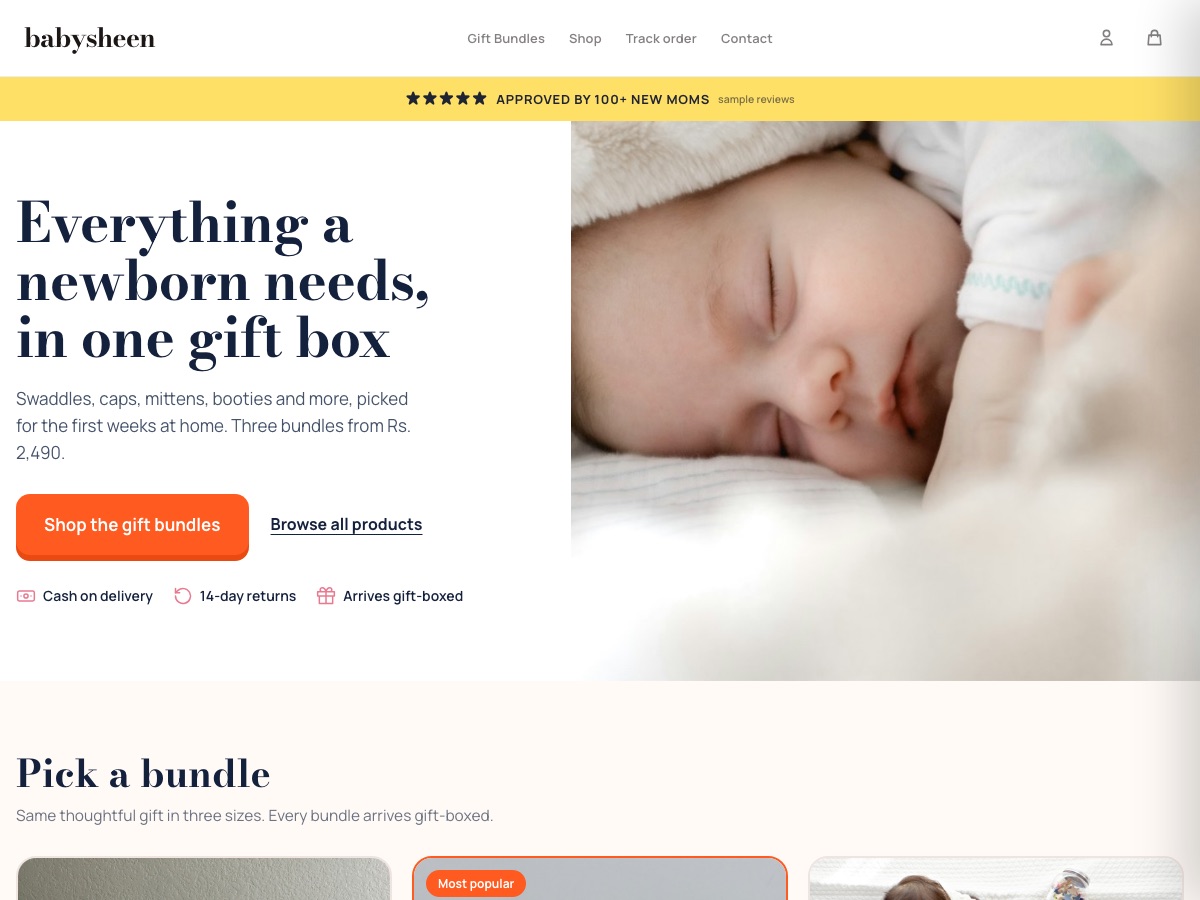
BabySheen
Baby & newborn gift boxes
Newborn gift-box bundles in three sizes, with cash on delivery and an email welcome offer.
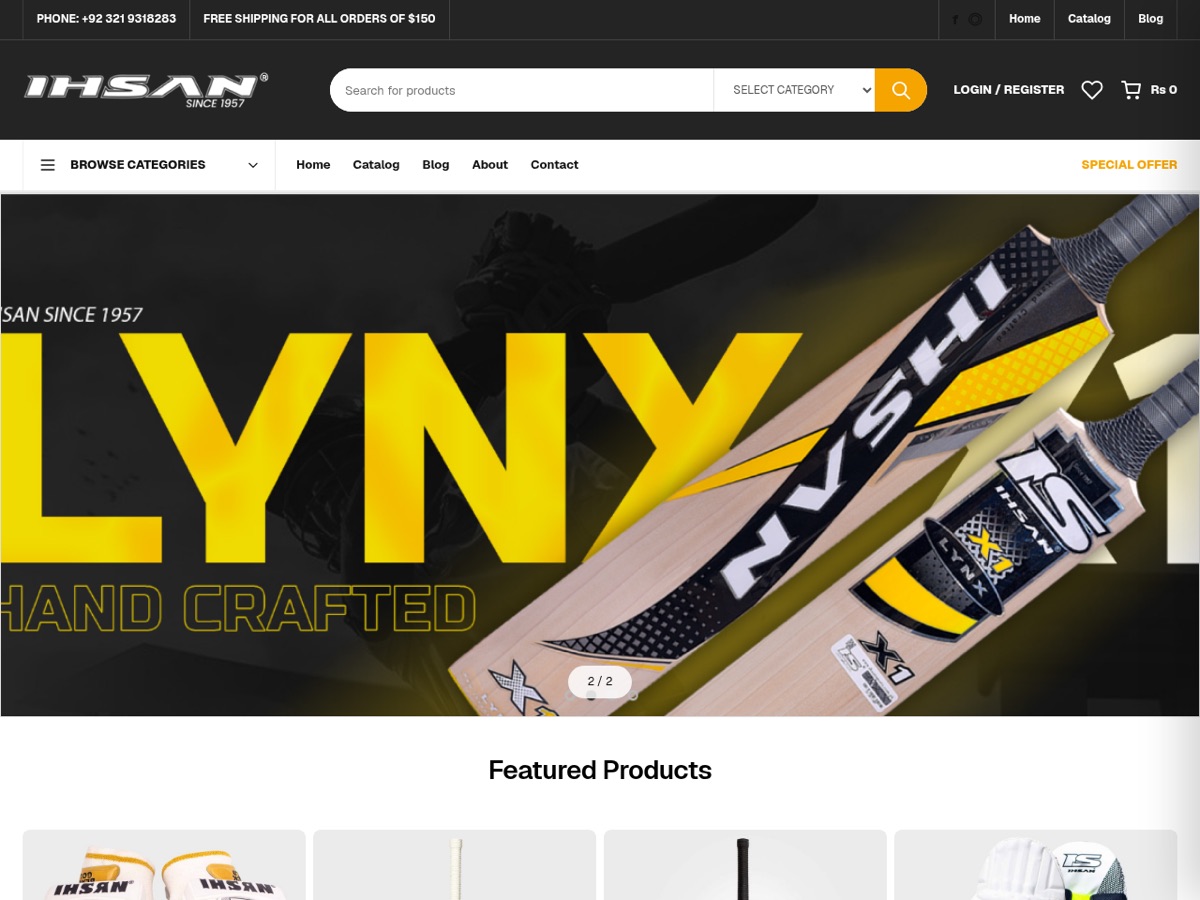
Sportswalaa
Sports & activewear
Sports gear and activewear catalog with PKR pricing.
[ 06 / Honest answers ]
Questions sellers ask.
Does Eekaam print the products?
No. Eekaam gives you the store, the design picker and the print file on each order. You choose a local printer and keep the margin.
Can shoppers upload their own design?
Not yet. Shoppers pick from the designs you upload.
Can different products offer different designs?
Yes. A product can offer all your designs or only the ones you choose for it.
Turn your designs into a store.
Start a 3-day free trial and add Print on demand from Apps.
[ 07 / FAQ ]