


[ Eekaam / Service ]
eekaam.com/for-agencies
Build stores for your clients on Eekaam
Agencies, freelancers and developers build the store in a free dev store, show the client a preview link, then transfer it. The client becomes the owner and pays for their own plan, and you can stay on as a collaborator.
- Free dev stores
- Client preview links
- Transfer by email
- No staff seat used
[ 01 / In short ]
Eekaam for agencies in short
- 01Dev stores are free and have every feature and limit of the Enterprise plan. You can have 5 at a time, and a transferred store stops counting.
- 02Preview links let a client open the storefront without an account. They last 7, 14 or 30 days.
- 03Transfer the store by email. The client accepts within 14 days, becomes the owner, and picks and pays for a plan.
- 04For a client who already sells on Eekaam, send a collaborator request with their code. Collaborators don't use a staff seat.
By Muhammad Hammad Sohail, Founder & CEO of Eekaam / Updated
[ 02 / The problem ]
Client work shouldn't start with the client's card.
Building stores for clients usually means awkward handovers and shared passwords.
Paying before the client says yes
On many platforms you start a paid plan, or ask the client for their card, just to build a demo.
Shared passwords
Clients send you their login, and nobody remembers to change it when the job ends.
Messy handovers
Moving a finished store to the client's account means exports, re-imports and a second setup.
Lost access after launch
When the client needs a fix a month later, you have to ask for access all over again.
[ 03 / How Eekaam helps ]
Everything you need to build for clients.
It all starts in the developer dashboard at dev.eekaam.com. Sign in with a normal Eekaam account.
Free dev stores
Every Enterprise feature and limit, at no cost. Up to 5 at a time, each with the default theme and sample products to start from.
The same admin your client uses
Products, collections, the theme editor, pages, menus, shipping, payments and apps all work as they will for the client.
Client preview links
Send a link the client opens without an account. Choose 7, 14 or 30 days, see how often it's opened, and delete it any time.
Transfer by email
Enter the client's email and send. They accept, become the owner and start their own trial. Products, pages, theme and settings move with the store.
Collaborator access
Clients with a store share a 4-digit code. You send a request, they approve Full or Staff access, and you don't use one of their staff seats.
A CLI for theme work
Create and switch dev stores with eekaam store create, and run eekaam theme dev to preview Liquid theme edits locally as you save.
[ 04 / How it works ]
From first draft to the client's store.
- 01
Create a dev store
In the developer dashboard, choose Create a development store and pick Building a store for a client.
- 02
Build it
Set up the theme, products, pages and shipping. Remove the sample products before handover.
- 03
Share a preview
Create a preview link and send it. The client reviews the storefront without signing up.
- 04
Transfer it
Send the invitation. The client accepts, ticks Keep as an admin if they want you to stay, and picks a plan.
[ 05 / Real stores, live today ]
Stores built on Eekaam.
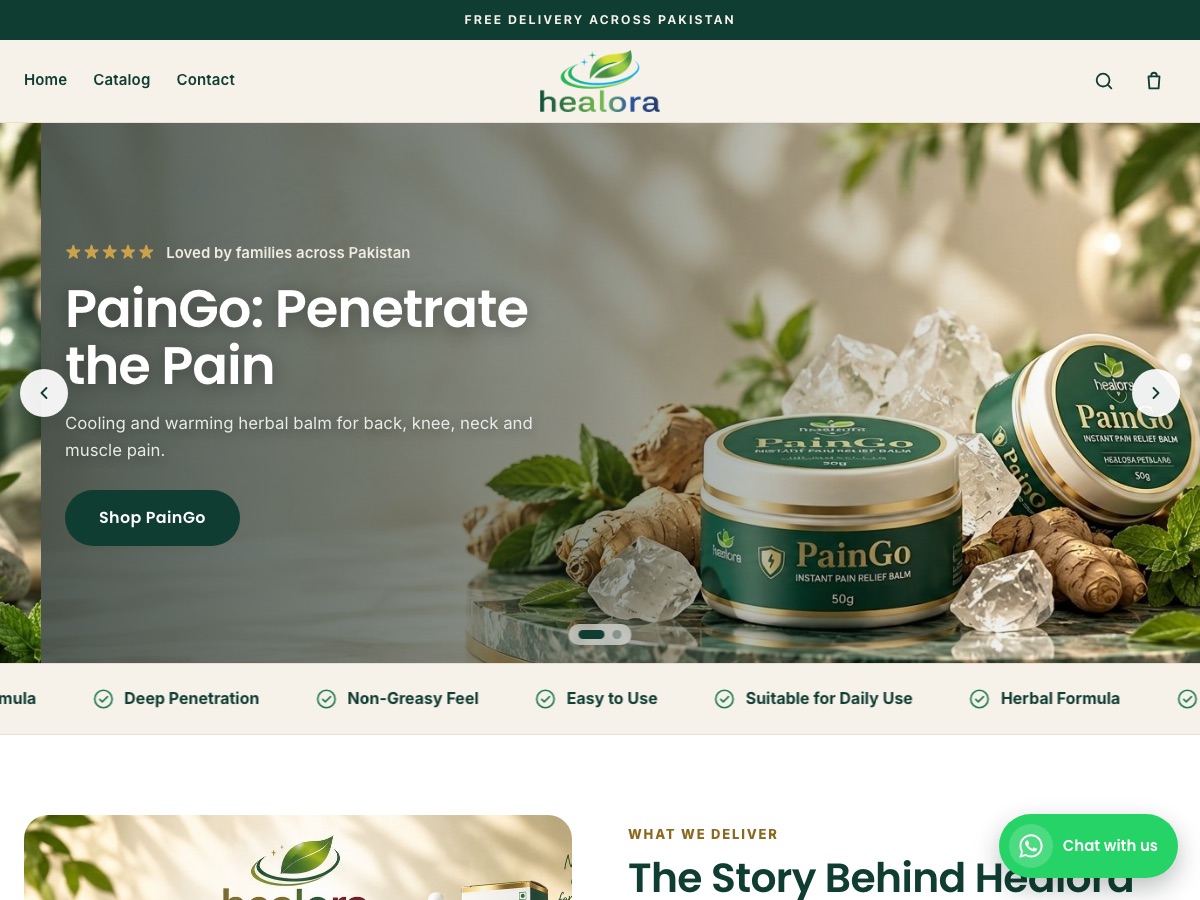
Healora
Health & wellness
Herbal pain-relief balm and oil plus hair and skin care, with product landing pages and COD checkout.

Veloura
Fashion & modest wear
Abayas and modest fashion with PKR pricing, sale and sold-out states, and a brand story.
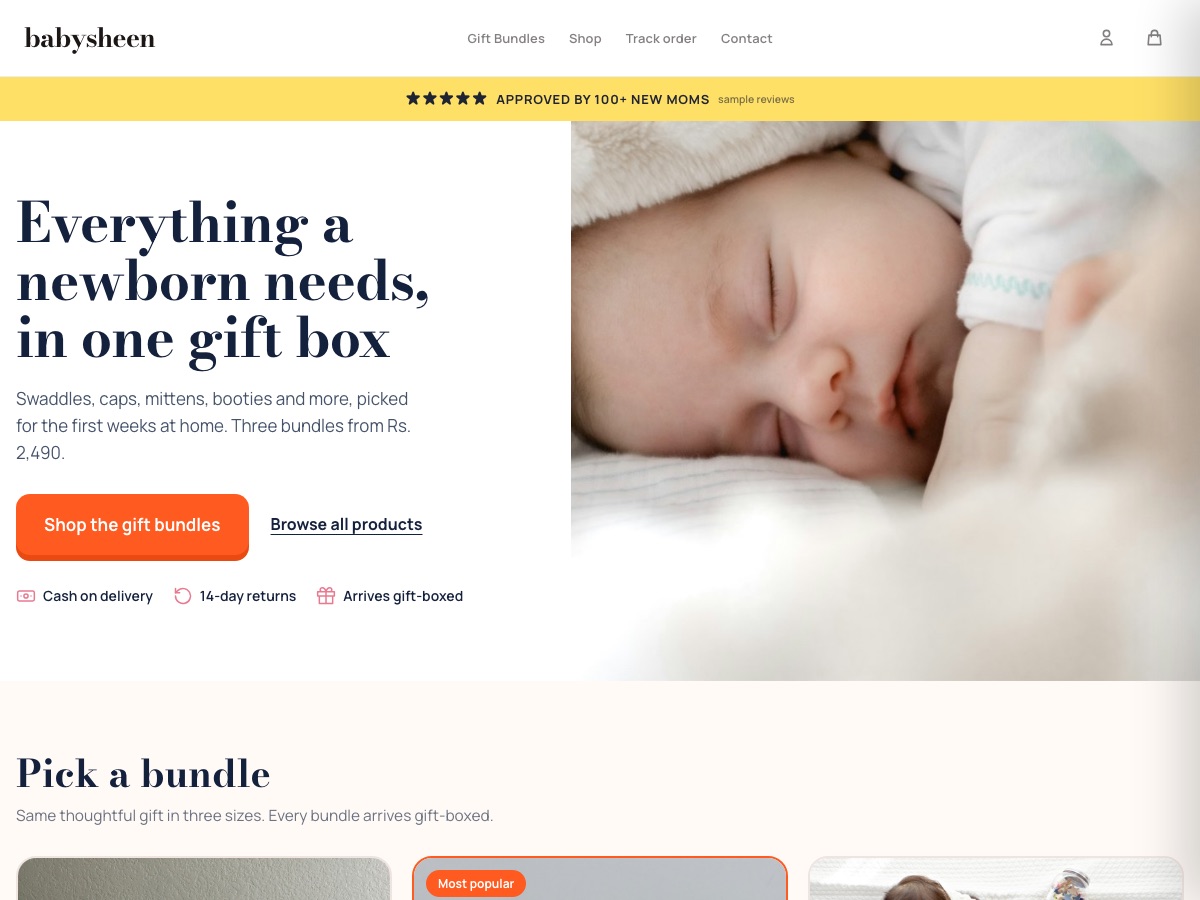
BabySheen
Baby & newborn gift boxes
Newborn gift-box bundles in three sizes, with cash on delivery and an email welcome offer.

Computer Zone
Electronics / Karachi
High-ticket electronics with product specs, order tracking, and buy-now checkout.
[ 06 / Honest answers ]
What agencies ask before switching.
Who pays for the store after the transfer?
The client. At handover the store becomes theirs on the free trial, and they choose and pay for a plan.
What happens to the store's address?
A dev store's address ends in -dev, for example glow-dev.myeekaam.com. At transfer it becomes glow.myeekaam.com if no other store has that name. The client connects their own domain afterwards.
Should I set up the client's payments?
Leave payment providers to the client unless they've given you their credentials. Merchant IDs and API keys belong in the client's own accounts.
Can I earn from referring clients?
Yes. The Eekaam partner program pays commission on stores you refer. Apply on the partners site.
Build your next client store on Eekaam.
Sign in to the developer dashboard and create a free dev store.
[ 07 / FAQ ]