


[ Eekaam / Feature ]
eekaam.com/accept-international-payments-pakistan
Stripe isn't available in Pakistan. Take card payments anyway.
Stripe and Shopify Payments don't take businesses based in Pakistan. Eekaam stores can connect Whop instead, so shoppers in the UAE, UK, US or at home pay by card inside your own checkout.
- Cards in your checkout
- Apple Pay & Google Pay option
- Connect with your Whop login
- COD stays on
[ 01 / In short ]
Stripe in Pakistan, in short
- 01Stripe doesn't accept businesses based in Pakistan, so a Pakistani store can't open a Stripe account to take card payments.
- 02Whop is a payment processor that Eekaam stores connect with a Whop login: no API keys to copy.
- 03Shoppers enter their card inside your checkout, or on Whop's own checkout page if you prefer. You can also offer Apple Pay, Google Pay and Whop's other methods.
- 04The money goes to your own Whop account, never through Eekaam. Whop sets its fees and payout terms.
- 05Keep JazzCash, Easypaisa and cash on delivery for local shoppers at the same checkout, and sell abroad in each country's own currency with Markets.
By Muhammad Hammad Sohail, Founder & CEO of Eekaam / Updated
[ 02 / The problem ]
Overseas customers want to pay by card.
Stripe isn't an option
Stripe doesn't onboard businesses based in Pakistan, and Shopify Payments isn't offered here either.
COD doesn't cross borders
A customer in Dubai or London can't pay a Pakistani courier in cash, so the order never happens.
Bank transfers lose sales
Asking a buyer abroad to send money by bank transfer and a screenshot loses most of them before they pay.
Local gateways are local
JazzCash and Easypaisa are perfect at home but don't help a shopper with a foreign card.
[ 03 / How Eekaam helps ]
Whop on Eekaam: what you get.
Cards inside your checkout
A card form like Stripe's, with 3-D Secure, in your own checkout. Or send shoppers to Whop's checkout page instead.
Apple Pay, Google Pay and more
Choose cards only, or let shoppers pick Apple Pay, Google Pay and the other methods Whop offers.
Confirmed with Whop
Eekaam checks with Whop that the payment went through before the order is marked paid. If an item sells out mid-payment, the payment is refunded.
Money goes to your Whop account
Eekaam never holds your money. Whop pays you out on its own schedule and terms.
Connect with your Whop login
Two steps from the Whop app in Eekaam. No keys or webhooks to set up by hand.
Sell abroad, keep local payments
Markets give the UAE, UK or US their own currency, prices and domain or subpath. JazzCash, AssanPay (Easypaisa), GoPayFast and COD stay on for shoppers at home.
[ 04 / How it works ]
Take your first card payment.
- 01
Open a Whop account
Sign up at Whop and finish its payout and identity setup so your account can accept payments.
- 02
Install Whop in Eekaam
Open Settings → Payments, choose Whop and connect with your Whop login.
- 03
Pick the checkout style
Card form in your checkout or Whop's own page, and cards only or Apple Pay, Google Pay and more.
- 04
Place a test order
Buy a small item on your store and check that it arrives in Orders as paid.
[ 05 / Real stores, live today ]
Live checkouts on Eekaam.

Computer Zone
Electronics / Karachi
High-ticket electronics with product specs, order tracking, and buy-now checkout.
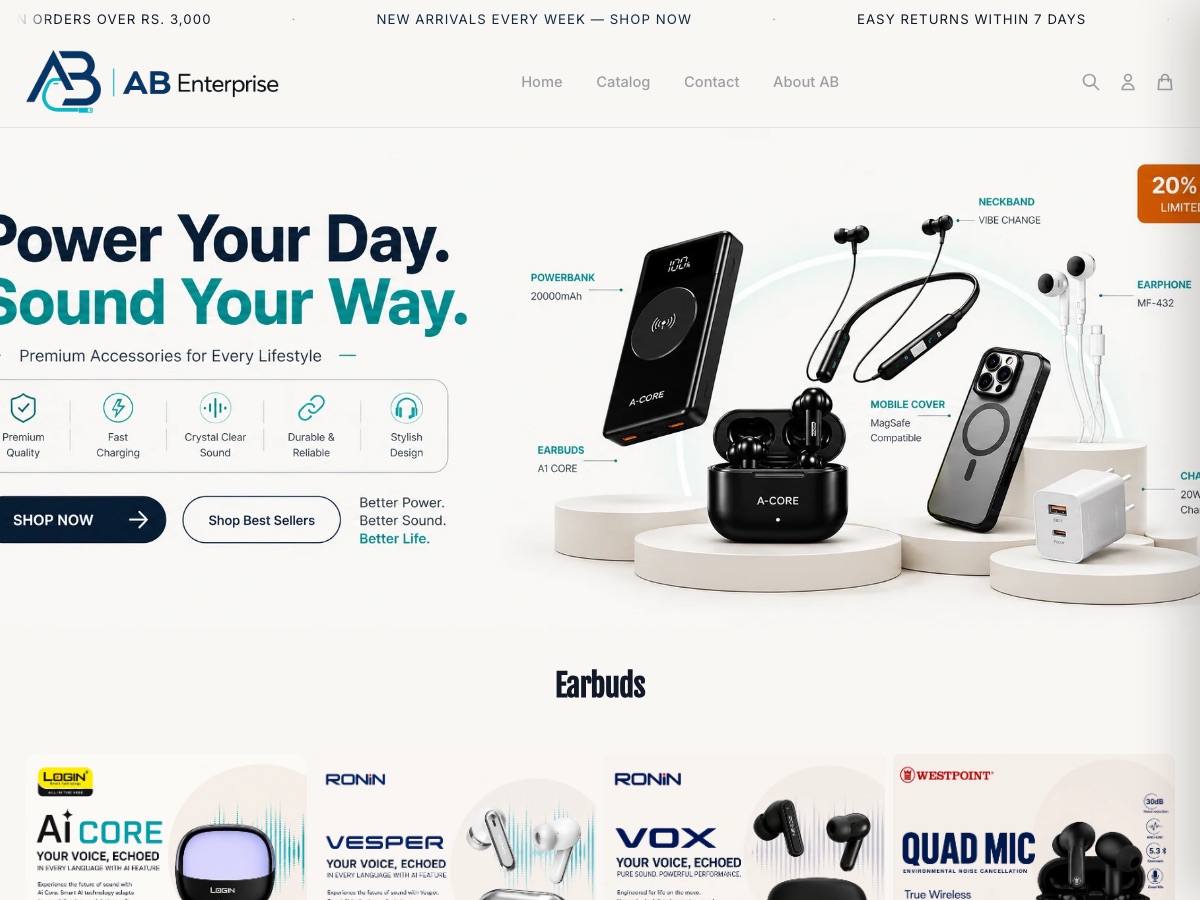
AB Enterprise
Mobile accessories & audio
Earbuds, power banks, chargers and phone accessories across a large multi-brand catalogue.
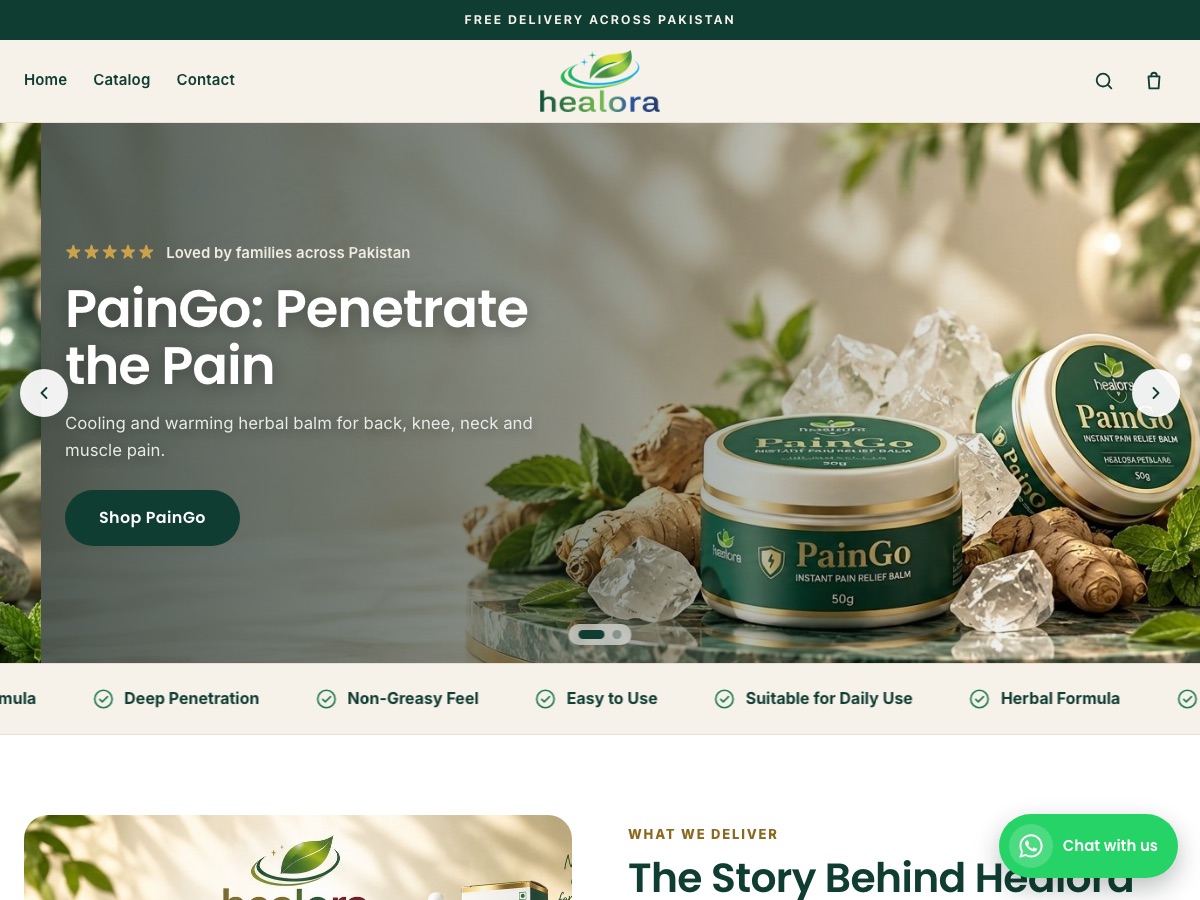
Healora
Health & wellness
Herbal pain-relief balm and oil plus hair and skin care, with product landing pages and COD checkout.

Fitness Depot
Fitness equipment / Karachi
High-ticket gym and fitness equipment with deep categories, blogs, and a Karachi address.
[ 06 / Honest answers ]
Before you connect Whop.
Can a Pakistani business get paid by Whop?
Whop's payout methods and requirements depend on your country and account. Check them in Whop's own help pages before you connect, because Whop, not Eekaam, pays you out.
What does Whop charge?
Whop sets its own processing fees, listed on Whop's fee page. Eekaam adds no transaction fee on any plan.
What if an item sells out while the shopper is paying?
The order isn't placed and the payment is refunded automatically.
Sell to customers anywhere.
Start a 3-day free trial and connect Whop from Settings → Payments.
[ 07 / FAQ ]